Prompt Ayesha 8K Macro Eye Portrait Prompt 2026
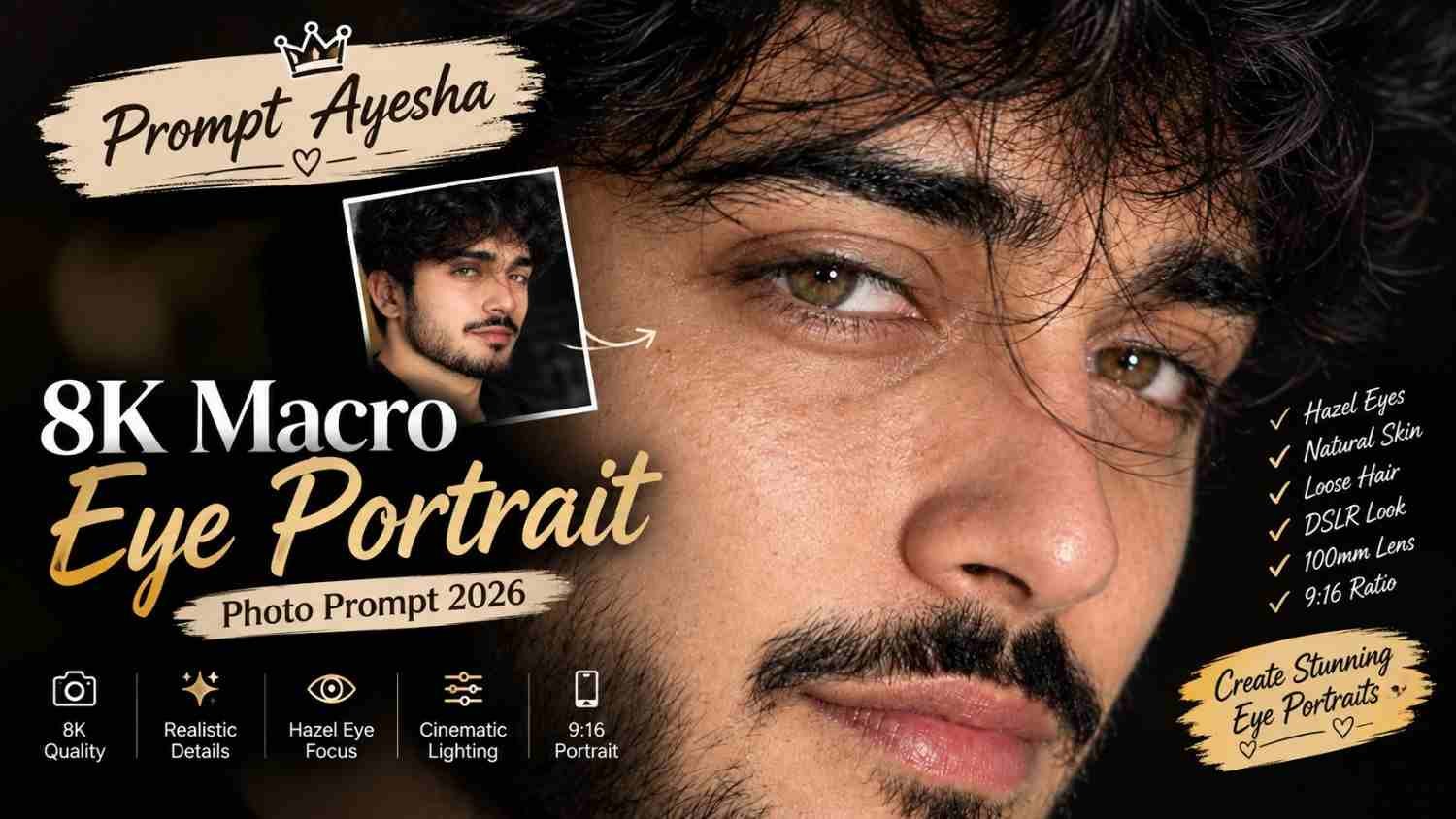
Featured image for: Prompt Ayesha 8K Macro Eye Portrait Prompt 2026
Want to create an intense and highly detailed close-up portrait that focuses on the eyes and natural facial texture? This Gemini prompt is designed for an ultra-realistic macro-style portrait with hazel honey-brown eyes, visible iris details, natural skin pores and cinematic studio lighting.
The concept uses a tight 3/4 side-angle composition where the eyes become the main visual focus. A few loose strands of hair naturally cross the face, adding an effortless and realistic appearance instead of making the portrait look overly polished.
With a 9:16 composition, the result can work particularly well for Instagram Stories, Reels covers, mobile wallpapers and other vertical social-media content.
The Macro Portrait Concept
The main focus of this portrait is the person’s eyes. The image is designed as an extreme close-up, allowing details such as the iris texture, catchlights and subtle eye makeup to become clearly visible.
The 3/4 side angle adds depth to the face while still keeping both eyes within the composition. Rather than using a completely straight-on portrait, the slightly turned angle creates a more editorial photography appearance.
The loose hair strands crossing the eyes are another important detail. They add a natural, candid element to an otherwise carefully lit beauty portrait.
Hazel Honey-Brown Eyes
The eyes are one of the most important elements in this AI prompt. The requested hazel honey-brown color gives the portrait a warm appearance, while crystal-clear catchlights add the effect of professional studio photography.
Detailed iris texture can make the eyes appear more photographic. At the same time, the catchlights should remain natural rather than looking like artificial glowing effects.
Subtle kajal adds definition around the eyes while keeping the makeup understated.
Natural Skin Texture
Another major part of the concept is realistic skin detail.
Instead of completely smoothing the face, the prompt asks for visible natural skin pores and realistic texture. This helps avoid the plastic or overly airbrushed appearance that can sometimes occur with AI-generated beauty portraits.
The goal is a polished photography look while still retaining believable skin characteristics.
Exact Photo Prompt
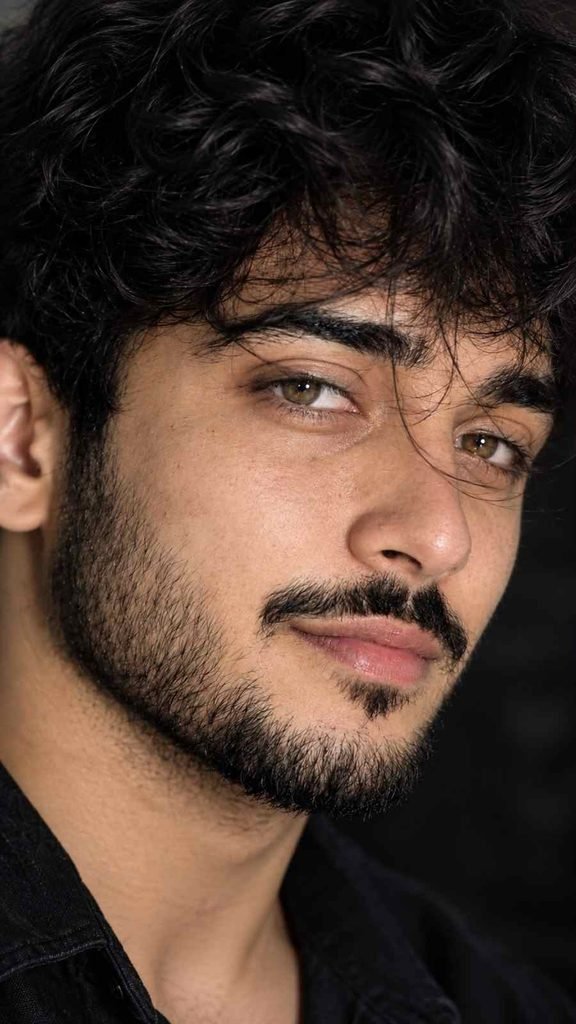
Use the following prompt exactly as provided:
Ultra-realistic extreme close-up macro portrait of the same person, 3/4 side angle, focus on both eyes, a few soft hair strands naturally crossing the eyes, hazel honey brown eyes with crystal-clear catchlights, detailed iris texture, subtle kajal, natural skin pores, flawless realistic skin, loose hair, cinematic studio lighting, 100mm DSLR macro lens, shallow depth of field, luxury beauty photography, hyper-realistic, 8K. 9:16 ratio me banao.
The prompt combines facial composition, eye details, skin texture, camera specifications, lighting and aspect ratio into one visual direction.
100mm DSLR Macro Look
The reference to a 100mm DSLR macro lens helps establish the desired photographic character.
A macro-style lens is useful for extremely detailed close-up photography because it allows the subject’s small features to become prominent within the frame.
The shallow depth of field also helps separate the eyes and face from the surrounding area. This creates a soft background while keeping the primary facial details sharp.
The result is intended to resemble high-end beauty or editorial photography rather than a normal smartphone selfie.
Cinematic Studio Lighting
Lighting has a major impact on close-up portraits.
The prompt calls for cinematic studio lighting that illuminates the face while creating enough depth to highlight the contours of the eyes, nose and cheek area.
The lighting should remain controlled and realistic. Excessive highlights or artificial glow can make the skin look less natural, so the overall effect should resemble a professional studio setup.
Why 9:16 Works for This Portrait
The 9:16 format makes this concept particularly suitable for vertical displays.
You can use the finished image for:
- Instagram Stories
- Instagram Reels covers
- YouTube Shorts thumbnails
- WhatsApp Status
- Mobile wallpapers
Because the composition is an extreme close-up, the vertical frame can place the eyes prominently while still retaining enough of the face and hair to create visual depth.
Tips for a Better Result
If you’re using a reference image, choose a clear photograph where the person’s facial features and eyes are visible.
For the best results:
- Use a high-resolution reference image.
- Keep both eyes visible.
- Use a face angle similar to the requested 3/4 view.
- Avoid excessive face filters.
- Keep the natural skin texture.
- Make the iris details sharp but realistic.
- Keep hair strands soft and natural.
- Avoid excessive eye enlargement.
- Maintain realistic catchlights.
- Use a vertical 9:16 composition.
A clear reference can help the image model preserve the overall facial appearance while applying the requested macro photography style.
Using ChatGPT for Similar Portraits
A ChatGPT prompt can also be structured around the same macro photography concept. The key is to describe the camera angle, eye details, lighting, skin texture and depth of field instead of relying on a short instruction such as “make a realistic portrait.”
You can also experiment with different eye colors, lighting styles or backgrounds while keeping the macro composition unchanged.
For example, the same photographic structure could be adapted for warm golden-hour lighting, dramatic low-key lighting or a clean studio background.
Final Thoughts
An extreme close-up macro portrait can turn small facial details into the main focus of an image. The combination of hazel honey-brown eyes, detailed irises, realistic skin pores, loose hair strands and shallow depth of field creates a professional beauty-photography aesthetic.
The 8K and 9:16 specifications also make the concept suitable for high-resolution vertical social-media content.
If you enjoy experimenting with detailed AI photography concepts, Prompt Ayesha provides more creative prompt ideas for portraits, fashion photography, photo editing and other realistic image styles.
Complete Step-by-Step Editing Workflow
- Copy the prompt or preset code using the dedicated copy button above.
- Open your editing tool: Use your preferred AI image or video editing tool.
- Personalize the variables: Adjust the background, clothing, lighting, pose or mood according to your requirements.
- Generate & refine: Generate the image and make additional changes if required.
- Export: Save the final high-quality image for your social media platform.
Prompt Ayesha
The Prompt Ayesha curates practical AI prompts, photo-editing resources, video-editing ideas, and creator-focused tutorials designed to help readers create and edit digital content.