Prompt Ayesha Face Swap Photo Editing Prompt 2026
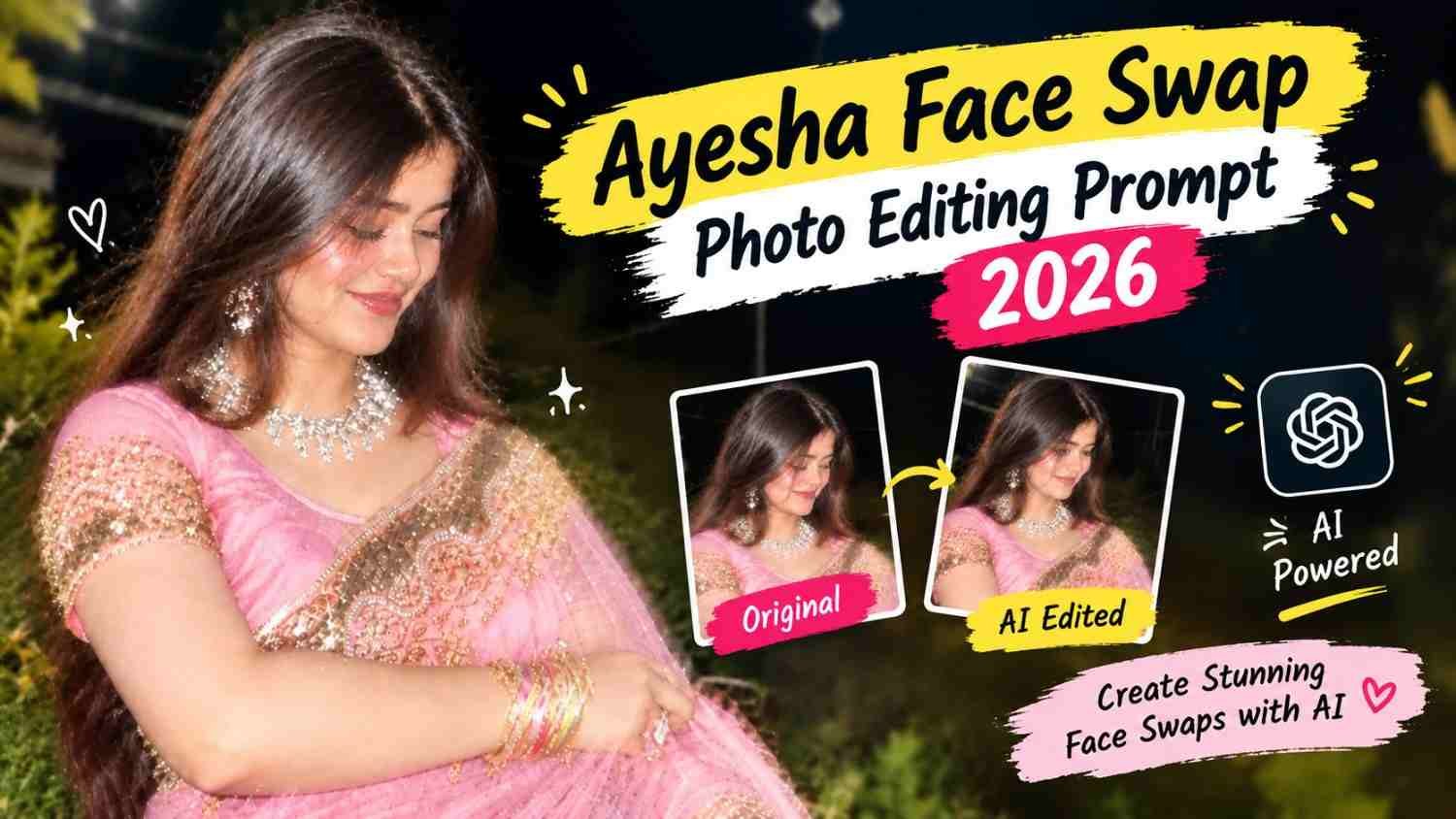
Featured image for: Prompt Ayesha Face Swap Photo Editing Prompt 2026
Want to replace the face of a woman in one photo with the face from another image while keeping the original hairstyle, pose and expression? This Gemini prompt is designed for a simple two-image face replacement workflow.
The idea is to use Image 1 as the main reference and Image 2 as the face reference. Instead of changing the entire appearance of the first image, the prompt asks the image-editing model to transfer the face from the second image while preserving the important visual elements of the original photo.
This can be useful when you like the pose, outfit, hairstyle or overall composition of one image but want to use the facial appearance from another reference.
How the Two Images Work
The prompt gives both images different roles.
Image 1 — Main Reference
Image 1 should control the main appearance and composition of the final image.
This includes:
- Hairstyle
- Pose
- Facial expression
- Body position
- Clothing
- Background
- Lighting
- Camera angle
- Overall composition
Image 2 — Face Reference
Image 2 is used specifically as the facial reference.
The objective is to take the woman’s face from Image 2 and place it naturally into Image 1 while maintaining the visual characteristics that belong to Image 1.
This distinction is important because it reduces the chance of unintentionally changing the hairstyle, pose or overall composition.
Exact Face Swap Prompt
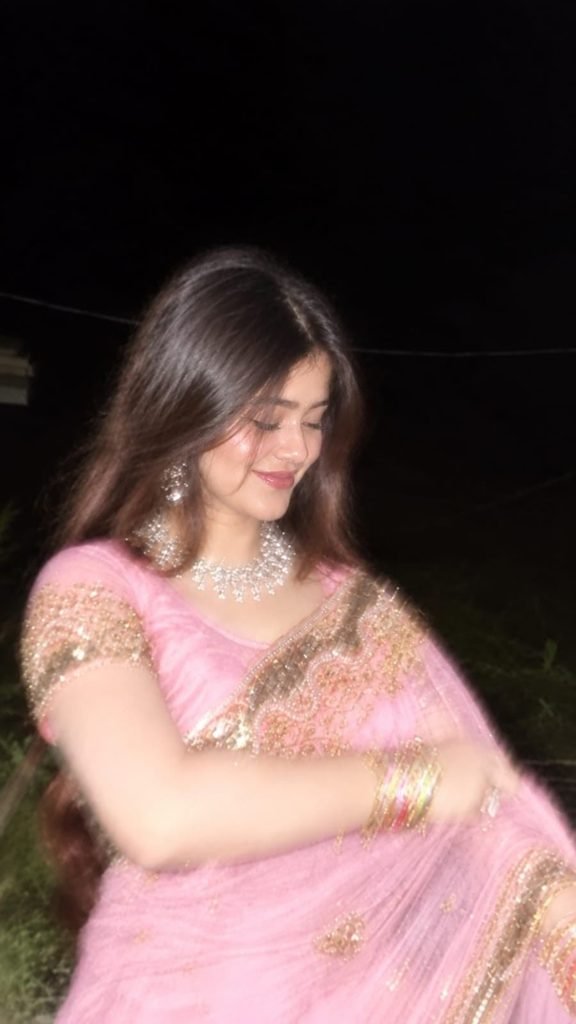
Copy the following prompt exactly:
⬇️ Take a screenshot of the second picture from my reel and upload it as Image 2. Use Image 1 as the main reference. Put the face of the woman of image 2 into image 1. Hairstyle should be same as image 1 . Expression pose should be same as image 1.Withouth changing anything.
The prompt is intentionally straightforward. It tells the image model which image should be treated as the primary reference and which image should provide the face.
How to Prepare Image 1 and Image 2
For better results, Image 1 should clearly show the hairstyle and pose you want to preserve.
Image 2 should provide a reasonably clear view of the face. A reference with good lighting and minimal obstruction can make facial details easier for the model to interpret.
If Image 2 comes from a screenshot of a reel, try to choose a frame where the face isn’t covered by text, stickers or other elements.
The two images don’t necessarily need to have identical backgrounds because Image 1 remains the main reference for the final composition.
Keep the Hairstyle from Image 1
One of the most important instructions in this AI prompt is preserving the hairstyle from Image 1.
This means the face from Image 2 should not automatically bring the hair, hairstyle or head styling from the second image.
The goal is to combine the desired facial reference with the original hairstyle and visual composition of Image 1.
This is particularly useful when the two images have completely different hairstyles.
Preserve the Original Expression and Pose
The prompt also specifically says to keep the expression and pose from Image 1.
For example, if the woman in Image 1 is smiling, looking down, posing sideways or holding a particular position, those characteristics should remain part of the final composition.
The face from Image 2 should be adapted to the position and expression of Image 1 rather than replacing the entire facial pose.
This helps the edited photograph retain the original feeling of Image 1.
Why Using Two Clearly Defined References Helps
When two images are provided without explaining their roles, an image model may interpret them as equally important references.
Clearly identifying Image 1 as the main reference and Image 2 as the face reference provides a more specific editing workflow.
You can use the same structure for different photo-editing concepts as well. For example, one image can control clothing and pose while another provides a particular facial reference, depending on what your image-editing tool supports.
Using ChatGPT for Similar Face Edits
A ChatGPT prompt can also be written using the same two-reference approach. Instead of simply requesting a face swap, clearly explain what should remain unchanged and which image provides the replacement element.
For example, you can specify that Image 1 controls the hairstyle, clothing, pose, background and lighting, while Image 2 is used only for the face.
The more clearly the roles are defined, the easier it is for the model to understand the intended edit.
Tips for a More Natural Result
Keep these points in mind when trying this type of photo edit:
- Use a high-quality Image 1.
- Choose a clear face reference for Image 2.
- Avoid heavily blurred faces.
- Make sure the face isn’t covered by stickers or text.
- Keep the main reference image clearly identified.
- Specify which visual elements should remain unchanged.
- Avoid changing the original background unnecessarily.
- Keep the lighting consistent between the face and the main image.
- Check the final result for unnatural edges or mismatched skin tones.
The final result can vary depending on the image-editing model, reference quality and differences in face angle, lighting and resolution.
What Makes This Prompt Useful?
The main advantage of this type of prompt is its simplicity. Instead of asking an image model to create an entirely new photograph, you’re giving it a clear editing task with two different reference roles.
Image 1 provides the visual structure, while Image 2 provides the face. This makes the prompt suitable for users who want to experiment with different facial references without completely changing their favorite photograph.
Final Thoughts
A two-image face swap can be a useful way to experiment with existing photographs while preserving the elements you like most about the original image. The key instruction is to keep Image 1 as the main reference and use Image 2 specifically for the face.
Preserving the original hairstyle, expression and pose helps the edited image maintain the composition of the main reference instead of looking like an entirely different photograph.
For more creative and ready-to-use photo editing ideas, Prompt Ayesha features different AI prompt concepts that can be adapted for portraits, fashion photos, couple images and other creative edits.
Complete Step-by-Step Editing Workflow
- Copy the prompt or preset code using the dedicated copy button above.
- Open your editing tool: Use your preferred AI image or video editing tool.
- Personalize the variables: Adjust the background, clothing, lighting, pose or mood according to your requirements.
- Generate & refine: Generate the image and make additional changes if required.
- Export: Save the final high-quality image for your social media platform.
Prompt Ayesha
The Prompt Ayesha curates practical AI prompts, photo-editing resources, video-editing ideas, and creator-focused tutorials designed to help readers create and edit digital content.