Prompt Ayesha: Cinematic Rooftop Moon Portrait AI Prompt
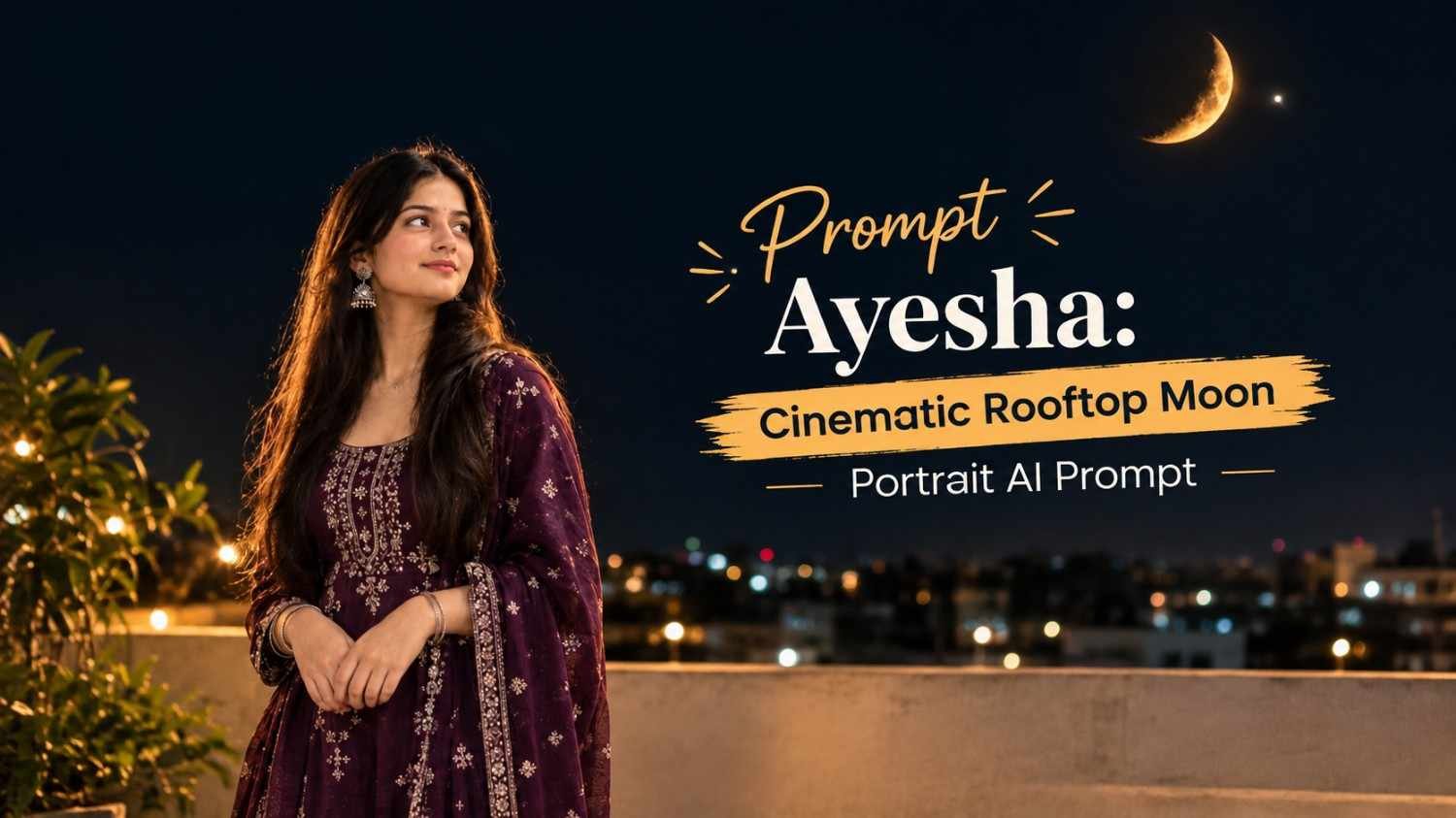
Featured image for: Prompt Ayesha: Cinematic Rooftop Moon Portrait AI Prompt
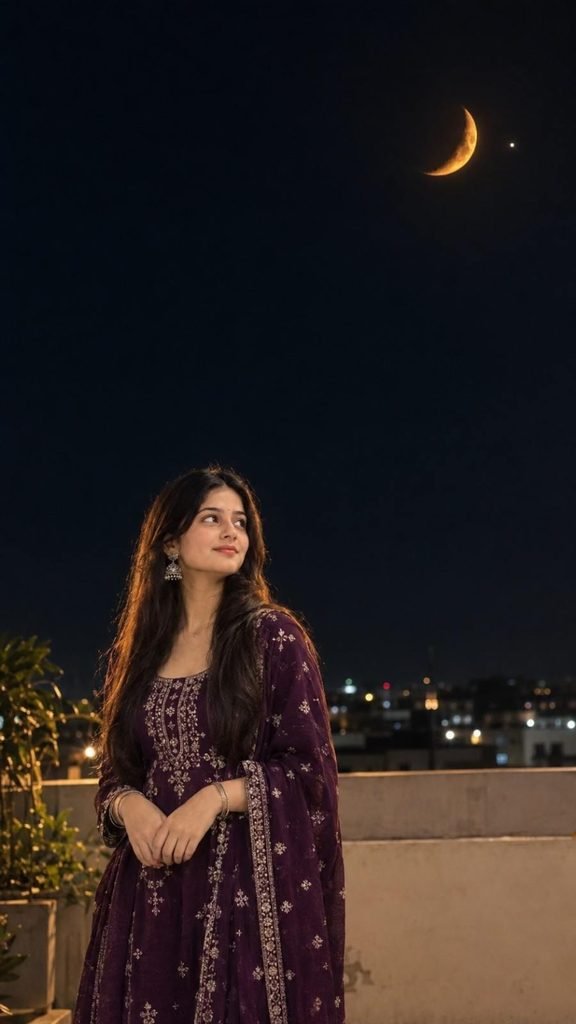
Sometimes, a simple night scene can create a much more beautiful image than an overly complicated setup. A girl standing quietly on a rooftop, looking toward a glowing crescent moon, with soft lights in the distance can create a peaceful and cinematic atmosphere.
The key to making this type of image look realistic is maintaining the person’s original identity while carefully controlling the moon, lighting, clothing, and overall composition. This gemini prompt is designed for that exact purpose, especially when you want to transform an uploaded portrait into a realistic rooftop night scene without changing the person’s face or traditional outfit.
Why This Rooftop Portrait Works
The concept combines several visual elements that naturally complement each other: a dark open sky, a glowing orange crescent moon, subtle rooftop surroundings, distant city lights, and soft cinematic lighting.
Instead of making the moon excessively large or adding too many stars, the composition keeps the sky relatively clean. This gives the subject and crescent moon enough visual importance without making the image look artificial.
Another important element is the girl’s pose. Looking upward in a natural side or three-quarter profile makes the scene feel candid rather than like a heavily staged photoshoot.
For realistic results, identity preservation is especially important. The original facial structure, skin tone, hairstyle, clothing and accessories should remain consistent with the uploaded image.
Exact Prompt
Copy the prompt below exactly when creating the image:
How to Get a More Realistic Result
The uploaded girl image should be used as the primary identity reference. This helps keep the facial characteristics consistent instead of generating an entirely different person.
The prompt also specifically asks for the original dark-purple traditional outfit to remain unchanged. This is useful when the clothing contains embroidery, jewelry or dupatta details that are important to the original photograph.
Lighting is another major part of the scene. Rather than using extremely bright artificial lighting, the prompt asks for natural moonlight combined with a subtle warm rim light. This creates separation between the subject and the dark background while keeping the photograph believable.
An ai prompt like this works better when the visual instructions are specific but not overloaded with unnecessary effects. Details such as DSLR 85mm, shallow depth of field, natural bokeh and cinematic HDR help communicate the intended photographic style.
The Importance of the Moon Reference
The crescent moon is one of the most important visual elements in this composition. The prompt asks for the uploaded moon reference to be recreated with the same shape and orientation.
The moon is positioned toward the upper-right portion of the frame while the girl remains toward the lower-left/center. This creates a natural visual balance between the subject and the moon.
The warm orange color also adds contrast against the dark night sky. Realistic craters and a subtle glow help prevent the moon from looking like a flat graphic element.
Keeping the sky relatively dark is equally important. Too many stars, excessive glow or an extremely bright background can quickly make the result look more like digital artwork than a real photograph.
Creating a Cinematic Photography Look
The 9:16 composition makes this concept suitable for Instagram Reels covers, Stories, Pinterest-style visuals and other vertical content.
The 85mm DSLR-style look is intended to create natural-looking facial proportions with a pleasing background blur. A shallow depth of field can keep attention on the girl while distant rooftop lights become soft bokeh.
The phrase “photorealistic 4K/8K” further communicates the desired level of detail, but realistic lighting and texture are more important than resolution terminology alone.
If you’re using a chatgpt prompt for similar portrait concepts, it is useful to clearly separate identity instructions, environment, composition, lighting and negative instructions. This makes the intended transformation easier to understand.
What the Negative Instructions Prevent
The negative section is included to reduce common generation problems.
It specifically tells the image model to avoid changing the girl’s identity, beautifying the face, altering the outfit or hairstyle, duplicating the moon, creating extra people or limbs, and introducing cartoon or CGI elements.
It also limits excessive glow, overexposure and unwanted blur. These details matter because night scenes can easily become too bright or artificially glowing when an image model interprets “cinematic” too aggressively.
The goal is not to make the image look heavily edited. The goal is to make it feel like a real photograph captured during a peaceful night on a rooftop.
Final Thoughts
A cinematic moonlit portrait doesn’t need complicated scenery to look impressive. A carefully positioned subject, a realistic crescent moon, subtle rooftop details and controlled lighting can create a strong visual story while keeping the image natural.
The biggest difference comes from preserving the original person’s identity and clothing while using the environment and lighting to build a new atmosphere. If you’re experimenting with portrait transformations, this concept is a great starting point for creating realistic night photography with a calm and cinematic mood.
For more creative image-generation ideas, detailed prompts and portrait concepts, Prompt Ayesha brings together practical inspiration for people who enjoy experimenting with AI-generated visuals.
Complete Step-by-Step Editing Workflow
- Copy the prompt or preset code using the dedicated copy button above.
- Open your editing tool: Use your preferred AI image or video editing tool.
- Personalize the variables: Adjust the background, clothing, lighting, pose or mood according to your requirements.
- Generate & refine: Generate the image and make additional changes if required.
- Export: Save the final high-quality image for your social media platform.
Prompt Ayesha
The Prompt Ayesha curates practical AI prompts, photo-editing resources, video-editing ideas, and creator-focused tutorials designed to help readers create and edit digital content.