Navratri Viral Nails Video: Create a Stunning Nail Art Transformation with Flow AI
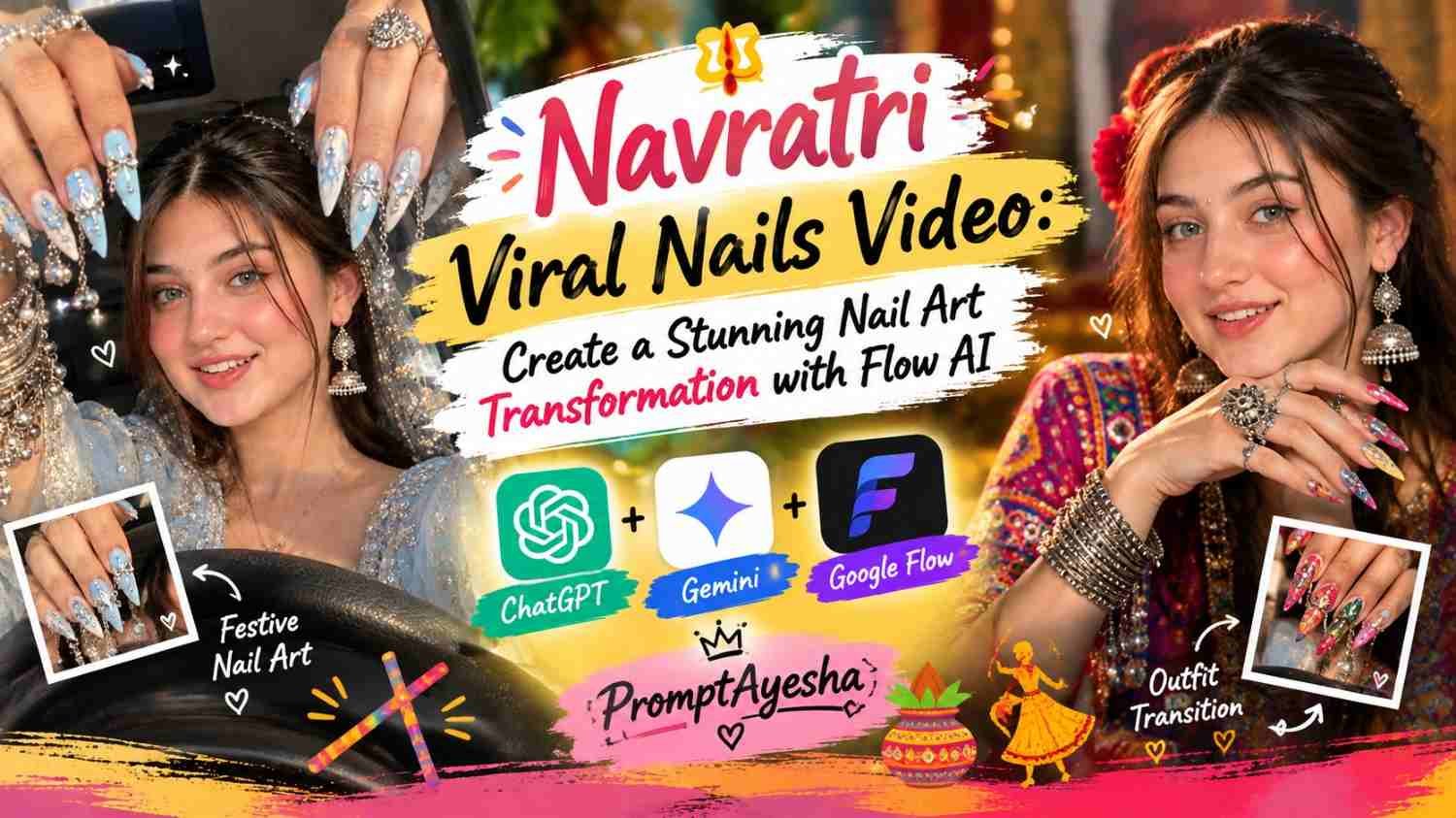
Featured image for: Navratri Viral Nails Video: Create a Stunning Nail Art Transformation with Flow AI
Want to create a festive nail-art video that grabs attention with beautiful hand movements, sparkling jewellery and quick outfit transitions? This Navratri Viral Nails Video tutorial shows you how to use an AI video prompt to recreate a similar transformation using your reference images and video. The concept focuses on decorative Navratri nails, traditional styling, expressive movements and a smooth transition from the first look to the second, while keeping your facial identity natural and consistent.
The best part is that you can use the reference video to guide the timing and actions instead of describing every movement from scratch. With the right setup in Flow AI, you can work towards a polished vertical video suitable for Instagram Reels, YouTube Shorts and other short-form platforms.
What Makes This Navratri Viral Nails Video Special?
Navratri is a celebration of colourful outfits, traditional jewellery, music and festive fashion. Nail art adds another creative element, especially when the designs feature bright colours, intricate decorations and sparkling details.
This video concept combines those elements with a reference-guided transformation. The first image establishes the opening look, while the second image determines the final appearance. The transition connects the two looks without unnecessarily changing the camera framing or the person’s identity.
Here are the main elements that make this concept interesting:
- Detailed nail art: Long decorated nails with metallic accents, rhinestones or festive patterns.
- Traditional styling: Colourful outfits, bangles, rings and statement jewellery.
- Reference-based movements: Hand gestures and expressions follow the supplied video.
- Smooth transformation: The second look appears at the same point as the reference transition.
- Vertical composition: A 9:16 frame designed for mobile viewing.
- Natural appearance: Realistic skin, believable hands and consistent facial features.
You can customise the nail colours and jewellery according to your preferred Navratri outfit while keeping the overall video structure intact.
How to Create the Video Using Flow AI
Before generating the video, prepare your reference materials. A clear face image and a suitable reference video can make it easier for the AI model to understand the intended appearance and movement.
Step 1: Prepare Your Reference Images
Choose the first image for the opening look and the second image for the final look. Make sure both images show the intended person clearly.
If the final look should not include glasses, check that your second reference image also supports that appearance. Include a clear instruction in your prompt to remove glasses completely.
Step 2: Upload the Reference Video
Use the supplied video as the action and timing guide. It should communicate how the hands move, when the expression changes, how the camera is framed and where the transition happens.
A well-chosen reference helps establish the sequence more clearly than a general description such as “make a viral nail-art video.”
Step 3: Add the Prompt
Copy the following prompt into your preferred video-generation workflow. Adjust the reference inputs if the tool asks you to assign separate images for the opening and ending frames.
Navratri Viral Nails Video Prompt for Flow AI
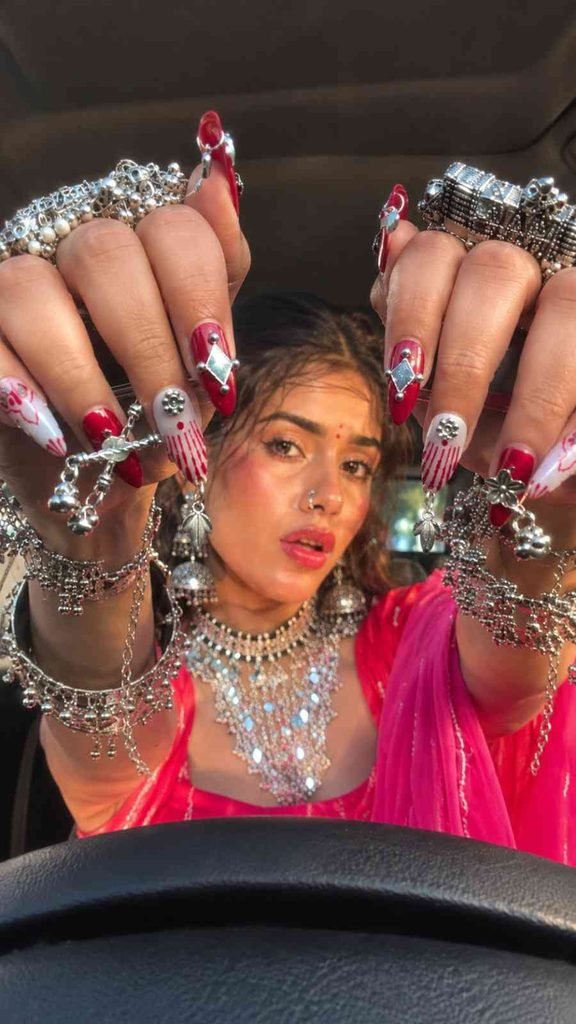
Use this prompt as the main instruction for your video generation.
Prompt:
Generate Video (Flow AI)
After copying the prompt, open Flow AI, add the reference materials and use the prompt with the available video-generation controls. Depending on the selected model and interface, reference-video guidance, transitions and identity consistency may not be reproduced perfectly in one generation.
Tips for Better Navratri Nail Art Video Results
Even a detailed prompt may need a few adjustments. These practical checks can help you improve the final output.
Keep Your Facial Identity Consistent
Use a clear reference image with good lighting and visible facial features. Avoid changing the person’s hairstyle, face shape or skin tone between instructions unless a deliberate change is part of the concept.
Describe the Nail Art Clearly
If your reference features long acrylic nails, rhinestones, metallic decorations or traditional motifs, mention those details specifically. If you want a different colour scheme, replace the colours in the prompt instead of adding several conflicting designs.
Match the Transition Timing
A transition that happens too early or too late can make the video feel disconnected from the reference. Keep the reference clip short and clear, and specify the intended transition point. If the result is incorrect, try generating another version with a more explicit timing instruction.
Avoid Unnatural Hand Movements
Hands are often one of the most challenging elements in AI-generated video. Watch for extra fingers, merging jewellery, changing nail lengths and decorations that disappear between frames. If necessary, simplify the hand movements or use a clearer reference.
Keep the Video Mobile-Friendly
A vertical 9:16 composition works well for Reels and Shorts. Keep the main subject, face and nail art visible within the frame. Avoid adding unnecessary text over the hands, since the nail details are the main visual attraction.
Can You Use a ChatGPT Prompt or Gemini Prompt for This Concept?
Yes. You can use a ChatGPT prompt to refine your written instructions, organise the reference-image requirements or create variations of the nail-art concept.
A Gemini prompt can also help you explore different festive colour combinations, jewellery styles and visual concepts. However, the actual video-generation features depend on the tool you choose. Writing a detailed prompt does not guarantee that every movement or transition will match the reference exactly.
For the most consistent workflow, keep your opening image, final image and reference video clearly labelled. Use one main prompt rather than adding several conflicting instructions.
Final Thoughts
A good festive transformation is not only about colourful nails; it is also about timing, natural movement, detailed styling and a consistent visual identity. Start with clear references, use the prompt as a foundation and review the generated result carefully before sharing it.
With this workflow, you can experiment with your own festive looks and create more distinctive nail-art content for your audience. Keep exploring new ideas with Prompt Ayesha, and focus on making every video visually clear, original and useful to viewers.
Frequently Asked Questions
1. How do I make a Navratri nail-art transformation video?
Prepare the opening and final reference images, upload the reference video if your chosen workflow supports it, and provide clear instructions for the transition, hand movements and final appearance.
2. Can Flow AI keep my face the same throughout the video?
A clear reference image and explicit identity instructions can help. However, exact facial consistency is not guaranteed, so review the generated clip before publishing it.
3. How do I make sure the final look has no glasses?
Include a direct instruction that the final appearance must have no glasses, frames or lenses. Choose a suitable final reference image and check the generated frames for unwanted eyewear.
4. Can I change the nail-art colours?
Yes. You can adapt the prompt for red and gold, blue and silver, green and mirror-work or other festive combinations. Make sure the reference images and written instructions do not contradict one another.
5. Is this video suitable for Instagram Reels and YouTube Shorts?
The vertical 9:16 format is suitable for both platforms. Before posting, check the output quality, music and other assets for compliance with each platform’s rules.
Complete Step-by-Step Editing Workflow
- Copy the prompt or preset code using the dedicated copy button above.
- Open your editing tool: Use your preferred AI image or video editing tool.
- Personalize the variables: Adjust the background, clothing, lighting, pose or mood according to your requirements.
- Generate & refine: Generate the image and make additional changes if required.
- Export: Save the final high-quality image for your social media platform.
Prompt Ayesha
The Prompt Ayesha curates practical AI prompts, photo-editing resources, video-editing ideas, and creator-focused tutorials designed to help readers create and edit digital content.