The 80s Retro Photo Trend Is Back: Create Stunning Vintage AI Images
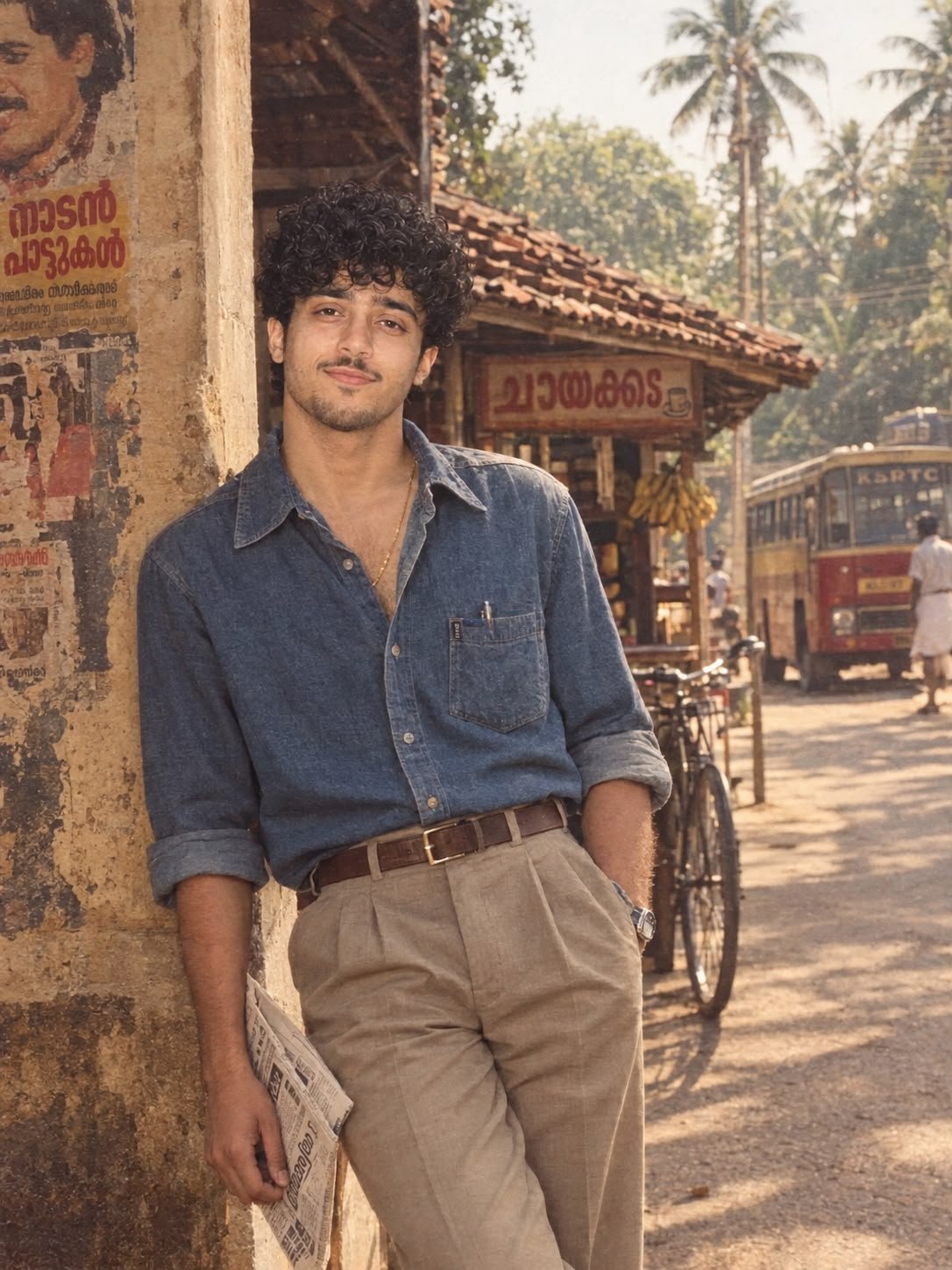
Featured image for: The 80s Retro Photo Trend Is Back: Create Stunning Vintage AI Images
The 80s are back — and this time, they’re taking over AI-generated photography.
The latest retro photo trend transforms ordinary portraits into nostalgic 1980s-style photographs with vintage fashion, dramatic flash photography, warm film tones, and authentic analog grain.
Think bold hairstyles, denim jackets, colorful outfits, cassette-era aesthetics, old-school interiors, and the unmistakable look of photographs captured on vintage film cameras.
Whether you want to recreate an old family-photo aesthetic or simply give your portrait a nostalgic 80s makeover, this trend can produce incredibly cinematic results.
How to Create the 80s Retro Look
- Choose a clear portrait photo.
- Use the prompt below with your preferred AI image generator.
- Keep the facial features and identity natural.
- Experiment with different 80s outfits, locations, and lighting.
- Add authentic film grain and vintage color tones for a realistic result.
The key to getting a convincing 80s look is combining vintage styling with realistic analog photography characteristics rather than simply adding a retro filter.
Try the prompt below and create your own 80s-inspired photograph.
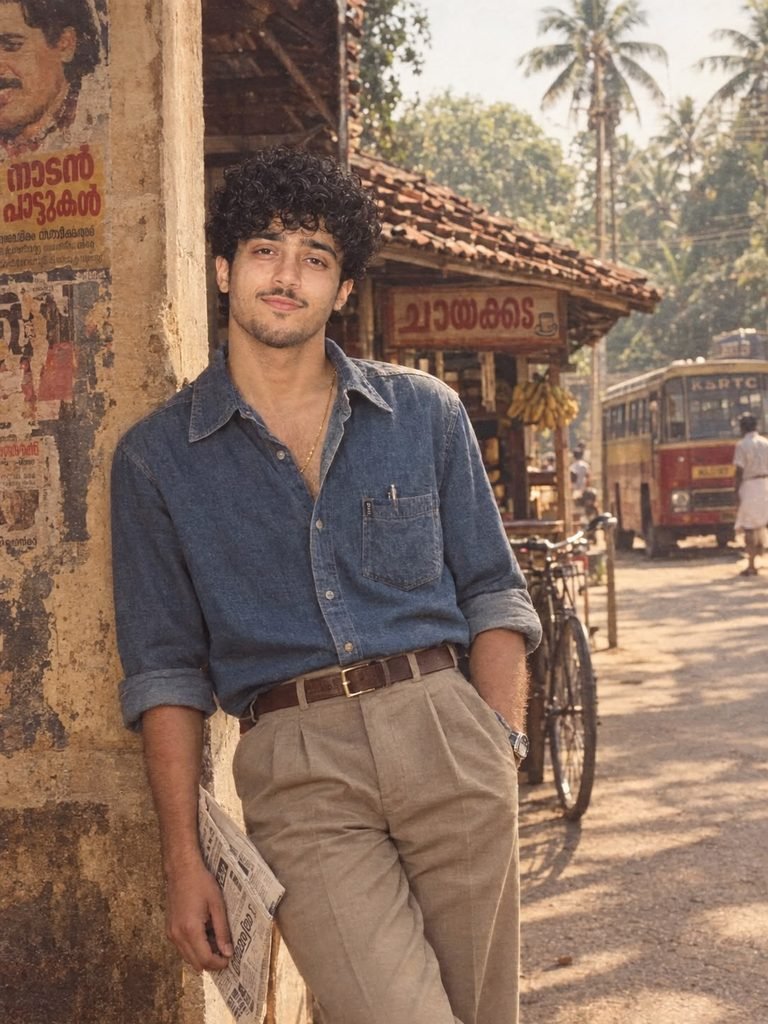
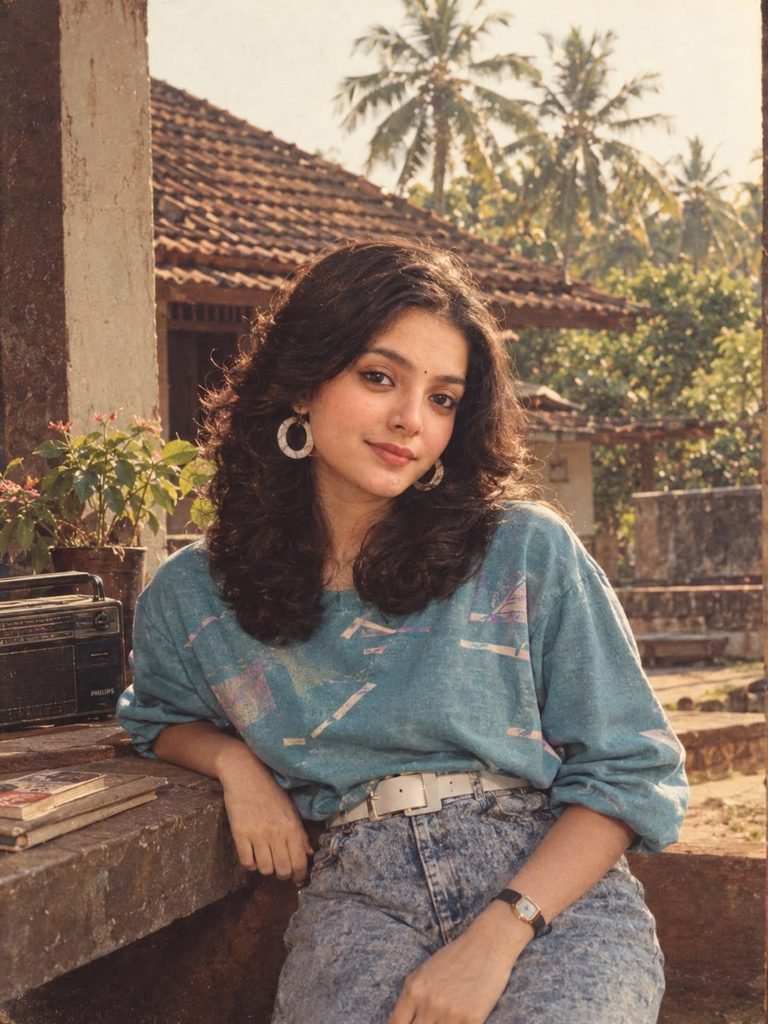
Complete Step-by-Step Editing Workflow
- Copy the prompt or preset code using the dedicated copy button above.
- Open your editing tool: Use your preferred AI image or video editing tool.
- Personalize the variables: Adjust the background, clothing, lighting, pose or mood according to your requirements.
- Generate & refine: Generate the image and make additional changes if required.
- Export: Save the final high-quality image for your social media platform.
Prompt Ayesha
The Prompt Ayesha curates practical AI prompts, photo-editing resources, video-editing ideas, and creator-focused tutorials designed to help readers create and edit digital content.