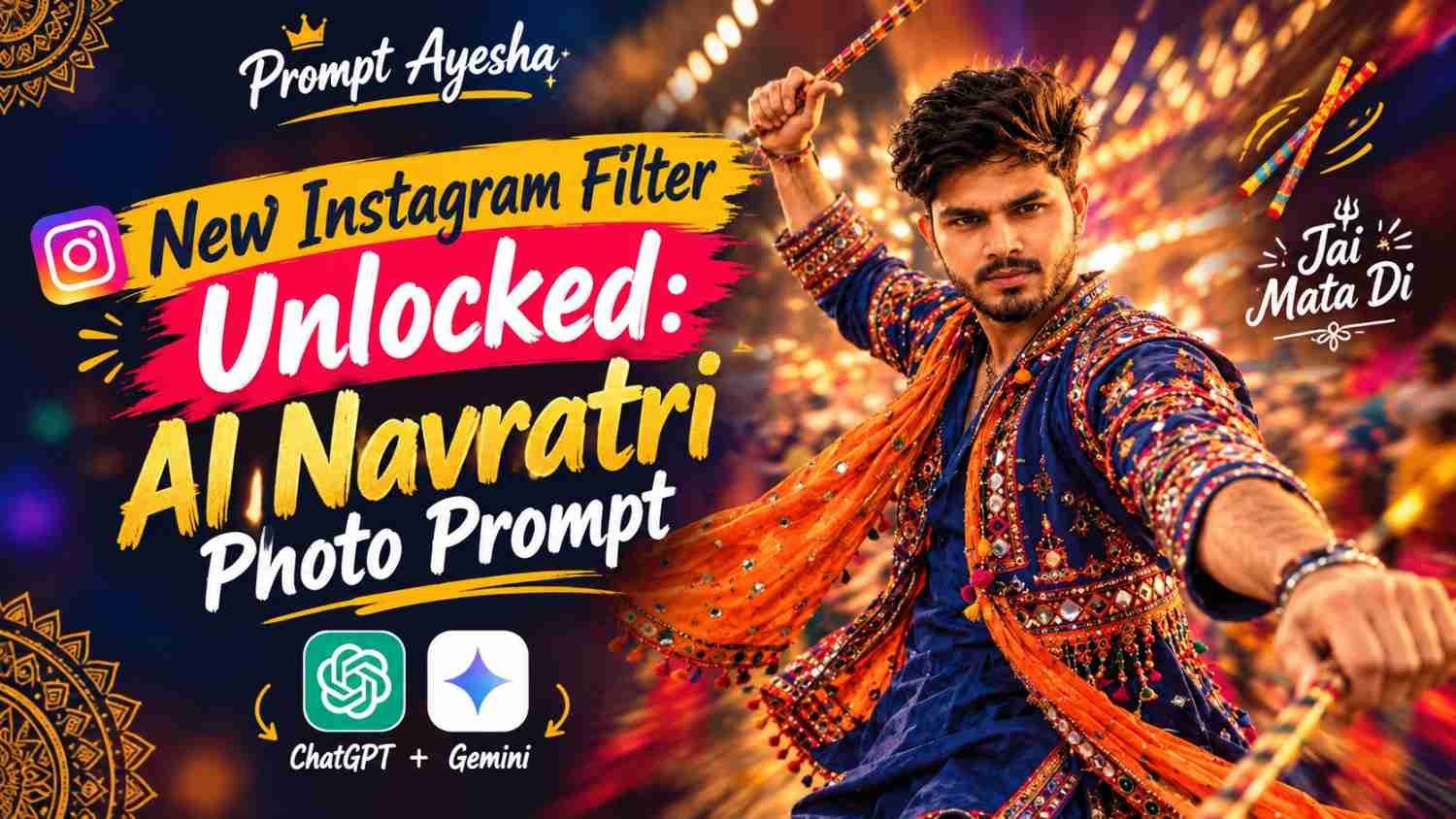
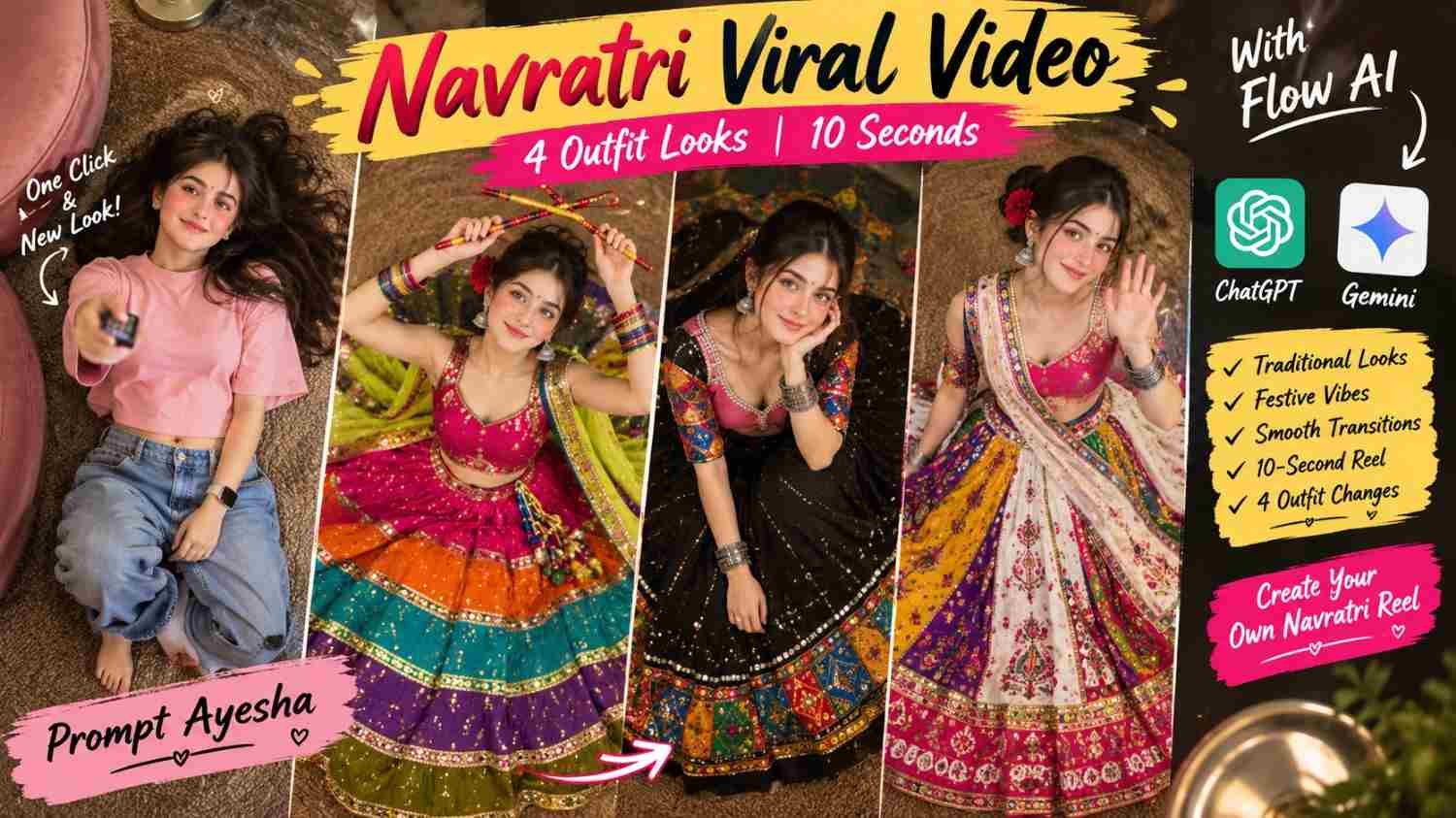
Navratri Viral Video: Create a 4-Second? No, 10-Second Festive Outfit Transition with Flow AI
Featured image for: Navratri Viral Video: Create a 4-Second? No, 10-Second Festive Outfit Transition with Flow AI
Want to create a colourful Navratri reel that shows multiple traditional outfits in just a few seconds? This ai prompt helps you create a 10-second top-down fashion video featuring four different Navratri looks, festive colours, detailed embroidery and smooth remote-control transitions. You can use Google Flow to generate a cinematic video inspired by your reference photo and customise the styling to suit your own festive content.
Navratri Viral Video Prompt for Flow AI
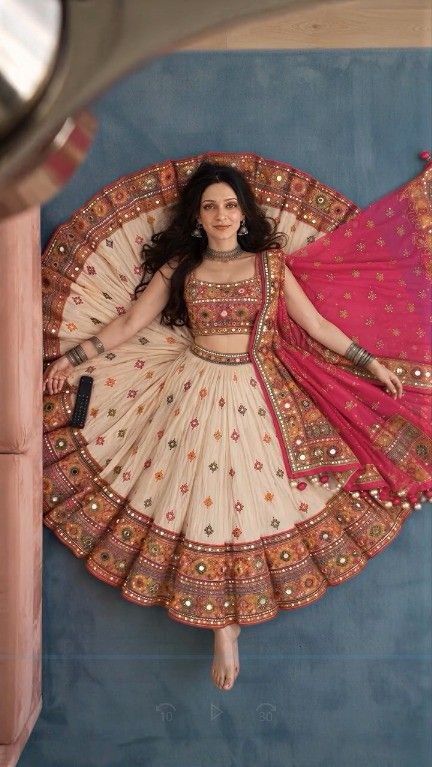
The idea behind this Navratri viral video is simple: a girl lies on a textured carpet while the camera looks straight down at her. She clicks a silver TV remote, and each click changes her outfit into a different colourful Navratri look. The fixed camera angle keeps the scene consistent while the quick transitions give the video a fun, festive feel.
Unlike a basic outfit slideshow, this concept combines a continuous pose, detailed traditional clothing and channel-change effects to create a short fashion-reel concept.
What Makes This Navratri Video Different?
- Four festive looks: Rainbow chaniya choli, black Kutchi patchwork, white-panel lehenga and a casual opening outfit.
- Creative transitions: Remote-control clicks trigger quick flash or glitch cuts.
- Top-down composition: The camera stays above the subject throughout the video.
- Traditional details: Mirror work, embroidered borders, colourful bangles, dupattas and dandiya sticks add festive character.
- Short format: The 10-second duration is suitable for experimenting with Instagram Reels, YouTube Shorts and other vertical-video platforms.
Copy and Use the Navratri Viral Video Prompt
Copy the complete prompt below and paste it into Google Flow’s video-generation interface. Upload your reference image if you want to guide the character’s appearance.
Complete 10-Second Video Prompt
Generate Video (Flow AI)
Ready to try the prompt? Open Google Flow, upload your reference image and paste the complete prompt above. Review the available video-generation settings before generating your clip.
Generate Video (Flow AI)
Note: The link opens Flow. Video generation depends on your account access, available features and the settings offered in your interface.
How to Generate Your Navratri Video in Flow AI
Step 1: Prepare your reference image
Choose a clear portrait of the person whose appearance you want to use as a visual reference. A well-lit image with visible facial features can help guide the generated character. Only use images you have permission to use.
Step 2: Open Google Flow
Visit Google Flow and sign in with an eligible Google account. Check which video-generation tools and reference-image options are available to you.
Step 3: Add the prompt
Paste the complete prompt into the generation interface. If the tool supports reference images, upload your selected image and make sure it is used as the character reference.
Step 4: Generate and review
Generate the clip and review the timing, outfit details, character consistency and transitions. If the platform does not produce all four looks accurately in one generation, create separate clips and combine them in a video editor.
Step 5: Export for social media
Choose a vertical 9:16 output if available. Check that the subject remains visible, the clothing details look natural and no unwanted text or visual glitches appear before posting.
Tips for Better Navratri Outfit Transitions
A detailed prompt gives the video model direction, but the result can still vary. These practical adjustments may help improve the final clip.
- Keep the camera instructions clear: Repeat that the overhead camera must remain fixed.
- Simplify complicated embroidery if needed: Dense mirror work and intricate patchwork can be difficult for video models to reproduce consistently.
- Check the transition timing: Four outfits in ten seconds leave little time for each look. Keep the opening and final shots visually clear.
- Use consistent lighting: Warm lighting across every shot makes the clothing changes feel connected.
- Add music during editing: Choose music you have permission to use, and align the beat with the remote-control transitions.
- Avoid excessive effects: A short flash or glitch is usually enough to communicate the channel-change concept.
If you want to experiment with a different visual style, a well-structured gemini prompt can also help you develop a matching reference image before creating the video. Keep the image-generation instructions separate from the video instructions so that the reference image and final motion sequence serve different purposes.
Can You Use This Video for Instagram Reels and YouTube Shorts?
Yes, a vertical festive-fashion concept can be adapted for short-form platforms. However, the actual output depends on the generation tool, and you may need to edit or combine clips to achieve the intended 10-second sequence.
Before publishing, check the result for distorted details, inconsistent faces and unintended logos. If you use a chatgpt prompt to brainstorm captions or alternative outfits, review the suggestions yourself and make sure the final post accurately describes your video.
Use original captions, appropriate music and a clear cover image. Avoid claiming that the video is an authentic camera recording if it was generated using AI.
Final Thoughts
A festive video does not need a complicated storyline to be engaging. The remote-control idea gives this Navratri concept a simple visual hook, while the colourful lehengas, mirror work and overhead composition keep the focus on traditional fashion.
Try the prompt, review the generated result and make small changes to improve the outfit transitions. With Prompt Ayesha, the goal is to explore creative AI content ideas while keeping the instructions useful, clear and easy to customise.
Create something that reflects your own festive style, and remember that the best results often come from testing and refining a prompt rather than expecting every detail to be perfect on the first attempt.
Frequently Asked Questions
1. Can Flow AI create all four Navratri outfits in one video?
It may be possible, depending on the tools and settings available, but complex multi-shot prompts do not always produce every requested outfit correctly. Separate clips can provide more control.
2. Can I use my own face as the character reference?
If the generation tool supports reference-image uploads, you can try using a photo of yourself. Use your own image or an image you have permission to use.
3. Why does the outfit sometimes change incorrectly?
Video models can struggle with rapid clothing changes, detailed embroidery and small accessories. Simplifying the outfit descriptions and generating separate shots may improve consistency.
4. Is this prompt suitable for Navratri Reels?
Yes. The festive clothing, dandiya props and quick outfit transitions are designed for a short vertical fashion video. You can adapt the result for different social platforms.
5. What should I do if the video is not exactly 10 seconds long?
Check the duration controls available in the generation interface. If necessary, trim or combine the generated clips in an editor to reach your intended duration.
Complete Step-by-Step Editing Workflow
- Copy the prompt or preset code using the dedicated copy button above.
- Open your editing tool: Use your preferred AI image or video editing tool.
- Personalize the variables: Adjust the background, clothing, lighting, pose or mood according to your requirements.
- Generate & refine: Generate the image and make additional changes if required.
- Export: Save the final high-quality image for your social media platform.
Prompt Ayesha
The Prompt Ayesha curates practical AI prompts, photo-editing resources, video-editing ideas, and creator-focused tutorials designed to help readers create and edit digital content.